Integrating Paid Member Subscriptions with Ultimate Affiliate Pro allows you to see newly registered members who have joined through referrals as well as reward your affiliates.
To enable support for Paid Member Subscriptions, go to Ultimate Affiliate Pro → Integrations → Paid Member Subscriptions and enable it.
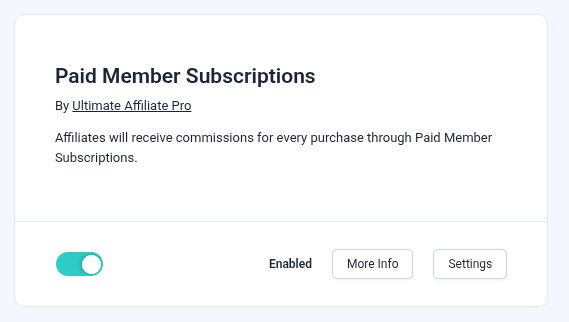
After you have enabled the integration, Ultimate Affiliate Pro will automatically track referrals whenever a user completes a purchase through Paid Member Subscriptions. It will take into account all of your Ultimate Affiliate settings, so no further configuration is required.
After subscribing through Paid Member Subscriptions, each user is automatically assigned a unique referral URL. When a new customer uses an existing member’s referral link to purchase a subscription plan, Ultimate Affiliate Pro tracks that signup and attributes the referral to the original member.
To be able to use the Recurring Commission feature, you will need to activate it by navigating to Ultimate Affiliate Pro → Modules → Recurring Commissions.
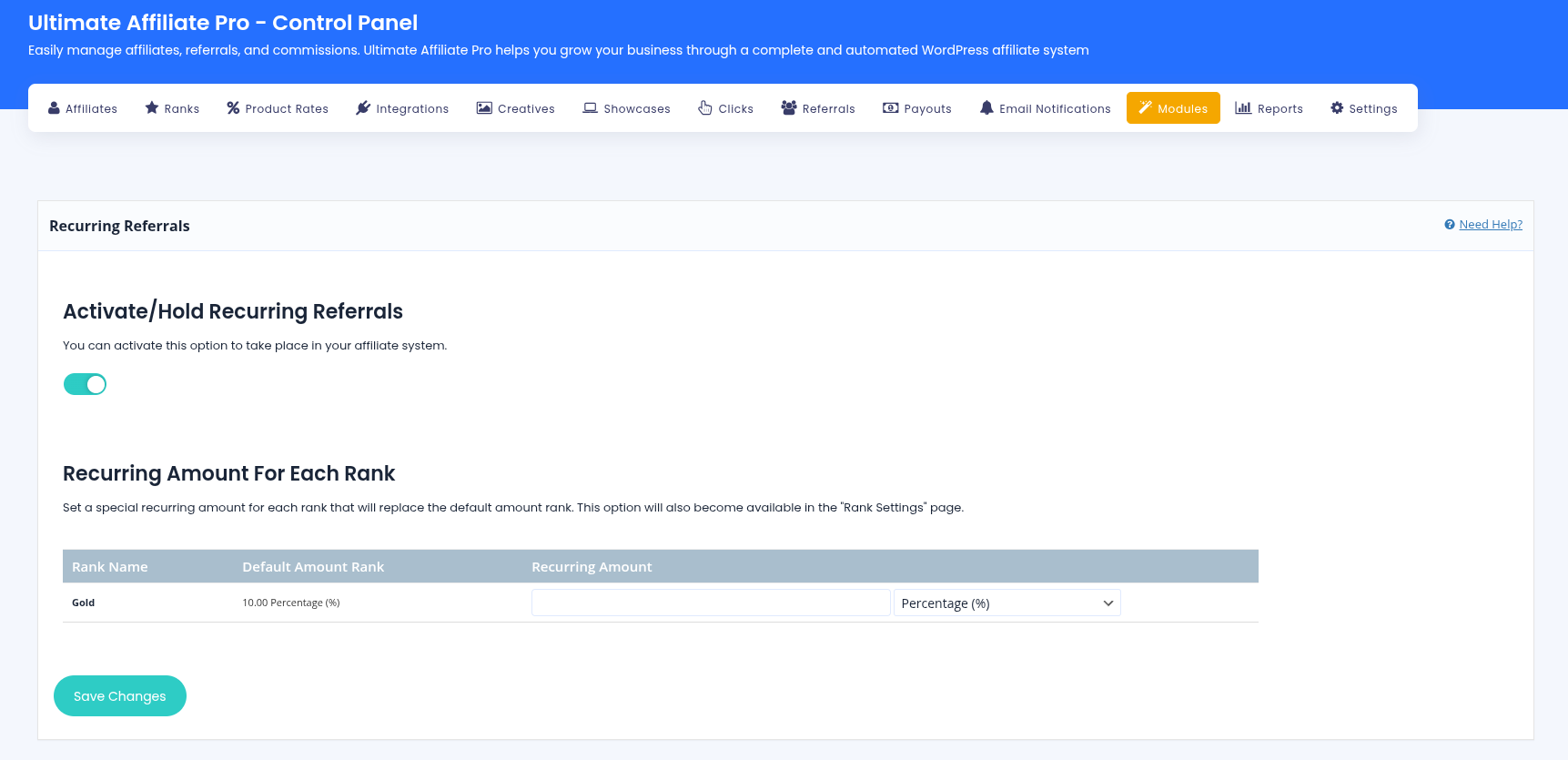
This feature lets affiliates earn ongoing commissions from subscription payments, meaning that instead of only being rewarded for users who sign up using their referral URL, they will also be rewarded for each renewal of the purchased subscription plan.

Accept (recurring) payments, create subscription plans and restrict content on your website. Easily setup a WordPress membership site using Paid Member Subscriptions.
Get Paid Member SubscriptionsCombine the power of Profile Builder with Paid Member Subscriptions to set up user registration, memberships, and recurring revenue.
Get 25% off with the bundle