



Table of Contents
- 1 Best WooCommerce Plugins to Increase Sales (Marketing)
- 2 Best Shopping Experience Plugins for WooCommerce
- 3 Best Shipping Plugins for WooCommerce
- 4 Best Payment Plugins for WooCommerce
- 5 Best WooCommerce Subscription Plugins
- 6 Best Security Plugins for WooCommerce
- 7 Best WooCommerce Store Management Plugins
- 8 Try These WooCommerce Must Have Plugins Today
What are the WooCommerce must have plugins that every store needs?
If you found your way to this post, that’s probably the issue you’re dealing with right now. While the core WooCommerce plugin offers most of the basic functionality that you need for a store, pretty much all WooCommerce stores rely on dozens or even hundreds of plugins to add key features.
While some of those tools will be specific to your unique situation, there are also a lot of must-have WooCommerce plugins that can benefit pretty much any type of store – no matter what and how you’re selling.
That’s what this post is about – a curated list of the top WooCommerce plugins that can help any type of WooCommerce store.
To help you more efficiently navigate this list, we’ll divide these plugins into seven categories:
- Marketing plugins (increase sales) that help you attract and convert more customers.
- Shopping experience plugins that help you create a better experience for your shoppers, such as translating your store into new languages or adding a wishlist.
- Shipping plugins that improve your store’s shipping processes and user experience.
- Payment plugins that enable you to accept payments in different ways.
- Subscription plugins for setting up recurring subscriptions and/or membership functionality.
- Security plugins for protecting your store from malicious actors.
- Store management plugins that simplify your store admin processes on the backend.
There’s obviously some overlap between the categories. For example, a WooCommerce multilingual plugin can help you both improve your shopping experience and your marketing (because you can benefit from multilingual SEO, among other improvements).
For that reason, we encourage you to read through the full list to see all the essential plugins.
Best WooCommerce Plugins to Increase Sales (Marketing)
If you’re searching for the best WooCommerce plugins to increase sales, the plugins in this section all help you boost your store’s conversion rates and/or marketing efforts.
1. Rank Math (or Yoast SEO)

If you want to rank your store in Google, you need the best SEO plugin for WooCommerce on your site.
For most stores, that’s one of two options: Rank Math or Yoast SEO.
Rank Math gives you a little more functionality for free, but Yoast SEO is more established.
Either way, both plugins will help you optimize all aspects of your store’s SEO. Pick the one that you like the most and use it to boost your store’s organic visibility.
Price: Free versions. Paid versions with more features (depends on the plugin).
2. MailPoet

MailPoet is an all-in-one solution for WooCommerce email marketing. Unlike services such as Mailchimp or AWeber, MailPoet lets you manage everything about your email marketing efforts from your WordPress dashboard.
MailPoet has its own email-sending service to make sure that emails make it to your customers’ inboxes (which can be a problem with other WordPress-based email marketing plugins).
In addition to sending newsletters, MailPoet has a tight integration with WooCommerce that lets you send the following emails:
- Abandoned cart recovery emails
- Post-purchase email follow-ups
- Targeted automation based on customer details (e.g. all users with a certain number of orders)
You can also use it to send your store’s transactional emails, such as order confirmations and password resets.
MailPoet’s WooCommerce integration was so good that WooCommerce acquired MailPoet in 2020.
Price: Free for up to 5,000 emails/month and 500 subscribers. Paid plans from $10/month for 500 subscribers and unlimited emails.
3. Discount Rules for WooCommerce

As the name suggests, Discount Rules for WooCommerce helps you create custom discount rules to encourage shoppers to make an order (or purchase in higher quantities).
Here are some examples of the types of discounts that you can create:
- Bulk pricing discounts based on order value or quantity
- Buy one, get one deals (BOGO)
- Dynamic pricing based on WordPress user role or purchase history
Overall, it’s a great option if you want to use discounting as a marketing strategy.
Price: Free version. Paid version $79 per year.
4. Advanced Coupons

Advanced Coupons is similar to the previous plugin, but it’s focused on helping you offer coupons instead of automatic discounts.
Rather than reinventing the wheel, it builds on the native WooCommerce coupons feature to give you more options, including advanced cart conditions for coupon usage, BOGO deals, and more.
You also get some other useful features:
- Auto-apply coupons by URL
- Automatically add products to cart when applying coupons (for example, you could give someone a free gift when they use a coupon)
- Coupon scheduling rules and expiration dates
- Discount shipping methods with coupons (e.g. free shipping coupon)
Price: Free version. Paid version starts at $119 per year.
5. WooCommerce Product Options
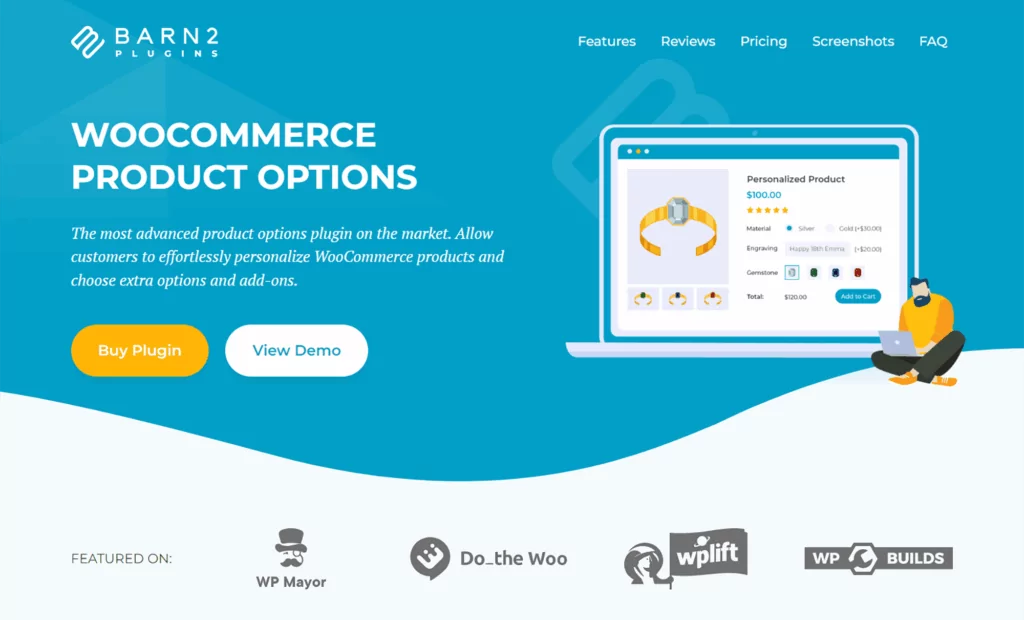
WooCommerce Product Options gives store owners a powerful way to add custom fields, swatches, and add-ons to product pages, but the feature that really stands out for sales is its cross-sell display.
You can select related products manually or pull them dynamically from a category, then display them above the Add to Cart button as options the customer is forced to consider before they buy.
This subtle layout change has a real impact on AOV. Standard WooCommerce cross-sells sit at the bottom of the product page where they get overlooked. Product Options puts them directly in the customer’s path, framed as a decision they make on the way to the cart.
Beyond cross-sells, the plugin also adds:
- Checkboxes and radio buttons
- File upload fields
- Color and image swatches
- Live image previews that update in real time as customers configure their products
Price: From $149 per year.
6. Product Feed PRO

Product Feed PRO helps you create a feed of your products that you can submit to Google Shopping, as well as other platforms like Facebook, Pricerunner, and many more.
Because Google Shopping is now free to list on, it’s a no-brainer to submit your store’s products and boost your visibility.
The plugin also gives you options to filter out certain products, such as automatically removing out-of-stock products.
Price: Free version. Paid version starts at $199 per year.
7. PW WooCommerce Gift Cards

As the name suggests, PW WooCommerce Gift Cards lets you sell gift cards for your store, which is a great way to boost sales by “locking in” upfront revenue.
When someone purchases a gift card, they can specify the amount, recipient, and message – just like Amazon.
People will get an email that includes their gift card details and they can easily redeem it and link the balance to their account. Again, just like Amazon. You can also customize the gift card template according to your needs.
Price: Free version available. Paid version starts at $79 per year.
Best Shopping Experience Plugins for WooCommerce
Next, let’s look at some plugins that help you create a better shopping experience at your store.
Many of these also work as plugins that increase sales. This is because optimizing the shopping experience is a great way to get shoppers to purchase more.
8. TranslatePress
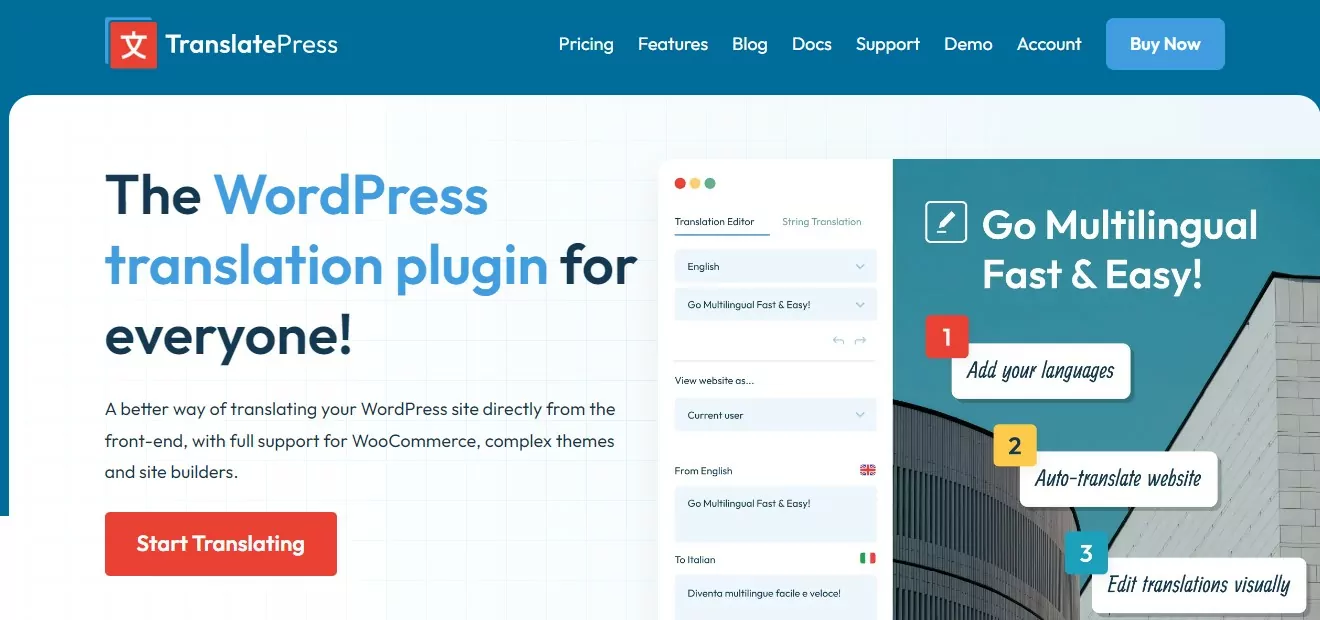
TranslatePress helps you easily translate your store into one or more new languages, which has several major benefits.
First off, most shoppers prefer to browse eCommerce stores in their native languages, which is why we put this plugin in the shopping experience section. For example, in a Gallup survey commissioned by the EU, 90% of respondents said that they prefer when stores offer their native languages and 42% just flat out won’t shop at stores that don’t support their languages.
Beyond that, creating a multilingual WooCommerce store can also improve your store’s marketing. So, TranslatePress could have easily fit in the marketing section, too.
When you translate your products and other store content, TranslatePress makes sure to create static, indexable pages for those translations and add key details such as the hreflang tag. This way, Google can rank all of your content in multiple languages, which can boost your store’s organic reach in search engines.
With TranslatePress, you can easily translate 100% of your store’s content, including single product pages, store listing pages, cart, checkout, and more.
You can either add your translations from scratch or use automatic machine translation from Google Translate or DeepL. Either way, you’ll be able to manage/edit your translations using a point-and-click visual interface like this:

If you’re interested in learning more about using TranslatePress to create a multilingual store and why it’s the best WooCommerce multilingual plugin, you can check out these posts:
- Creating a multilingual store
- Automatically translating a WooCommerce store
- Translating WooCommerce products
- Translating WooCommerce cart and checkout
Price: Free version. Paid versions from €99 per year.
9. Profile Builder

Profile Builder is a must have WooCommerce plugin for improving all aspects of your store’s registration, login, and user profile functionality. By improving these key areas of your store, you can create a more user-friendly experience for your shoppers.
For example, you could add custom fields to the WooCommerce registration form, either via a dedicated page or at checkout. You could also give users the option to edit those fields from their account area.
Plus, you can set up custom redirects after login, use conditional logic for fields, and access tons of other useful features. For example, you could automatically redirect shoppers to a page that displays your latest or most profitable products after the shopper logs in.
For more complex needs, you can create multiple unique registration forms. For example, you could have one form for retail customers and another one for wholesale customers.
To learn more about how Profile Builder can help your store and why it’s the best WooCommerce registration plugin, check out these posts:
- WooCommerce user registration tutorial
- How to customize WooCommerce registration form
- How to customize WooCommerce login form
Price: Free version. Paid versions from €99 per year.
10. FiboSearch

Quality product search is essential if you want to help shoppers discover items that they’re most interested in. Unfortunately, the default WordPress search system is not up to the task.
FiboSearch (formerly Ajax Search for WooCommerce) is a WooCommerce-specific search upgrade that creates a much more user-friendly, helpful search system.
Here are some of its features:
- More accurate search results, including searching in custom fields, product attributes, and more.
- Real-time search results/suggestions as soon as a user starts typing.
- Include product details in search results, such as showing the product picture, price, and so on. You can even include an add to cart button to encourage shoppers to purchase an item right from the search results.
If you have a large store, FiboSearch can also improve search performance by building its own custom search index.
Price: Free version. Paid versions from $49 per year.
11. TI WooCommerce Wishlist

As the name suggests, TI WooCommerce Wishlist helps you add wishlist functionality to your store.
With this plugin, shoppers will be able to save any items to their wishlists. You can also add other useful features, such as:
- Shareable wishlists, including a link and social share buttons
- Multiple wishlists per customer
- Wishlist analytics to see which products people are interested in
The premium version also has a neat marketing feature that lets you send emails to customers based on the items in their wishlists. For example, you could send them a message when an item on their wishlist goes on sale.
Price: Free version available. Paid versions from $79 per year.
12. Side Cart Woocommerce (Ajax)

Side Cart lets you create a Shopify-style slide-out side cart on your store. Instead of needing to go to a separate page to view their carts, shoppers can do everything in the slide-out. You can see a demo here.
The Pro version lets you include other features such as cross-sells and upsells, one-click PayPal checkout, a bar that counts down to the minimum order for free shipping (great for encouraging shoppers to spend more), and more.
Price: Free version. Paid versions from $24.
13. Custom Product Tabs for WooCommerce

Custom Product Tabs adds very simple, but useful, functionality. You can easily add new tabs to the WooCommerce product box (by default, this box includes tabs such as “Description” and “Reviews).
For example, you could use these custom tabs to add a size chart, product instructions, specifications, and so on.
You can add tabs at the individual product level or you can also bulk add tabs to multiple products.
Price: You can get started with the free version and upgrade to premium.
14. Direct Checkout for WooCommerce
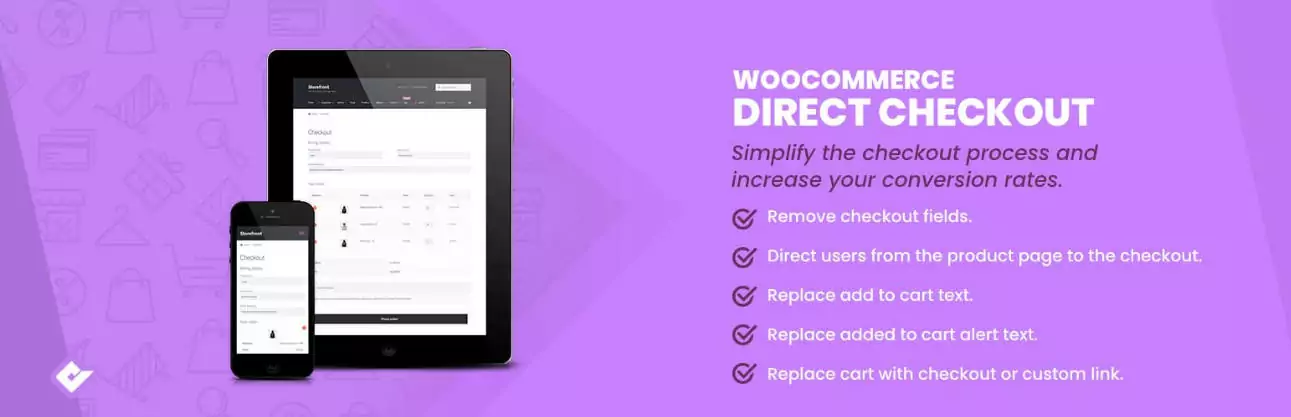
Direct Checkout for WooCommerce lets you simplify your store’s checkout process by skipping the cart and sending people straight to the checkout page, sort of like Amazon’s “Buy Now” option.
You can completely remove the add to cart button (useful for single-product stores). Or, you can add a new direct checkout button in addition to the regular add to cart button.
Price: Free version. Paid versions from $49 with one year of automatic updates.
Best Shipping Plugins for WooCommerce
Unless you exclusively sell digital products or services, you’re going to need to ship products to customers. To help you do that effectively, you’ll need the best shipping plugin for WooCommerce. Here are our picks.
15. Flexible Shipping
Flexible Shipping is a popular WooCommerce table rate shipping plugin. While WooCommerce does include built-in shipping rules, a lot of store owners would rather use one of two approaches:
- Table rating shipping (that’s this plugin)
- Real-time shipping rates (that’s the next group of plugins)
With table rate shipping, you create your own “table” of shipping rules based on various criteria such as weight, dimensions, order value, shipping destination, and so on. Here’s an example:
- Order weight less than 1 LB – $5
- …between 1 LB and 5 LBs – $10
- …above 5 LBS – $15
With Flexible Shipping, you can base your rules on tons of different details, ranging from weight and dimensions all the way up to user-specific criteria like their user role.
Price: Free version. Paid versions from €99 per year.
16. Real-Time Shipping Rate Plugins (Multiple Plugins)
The alternative to WooCommerce table rate shipping is to calculate real-time rates based on the details of each shopper’s order.
If you’d prefer this approach, you can use the official plugin for the shipping carrier that you want to use:
While this approach can be more accurate than table-rate shipping, it can also lead to a subpar shopping experience because shoppers won’t know the cost of shipping until they go to check out. Basically, there are pros and cons to real-time shipping vs table rate shipping.
Price: $109/year each.
17. WooCommerce Advanced Shipping
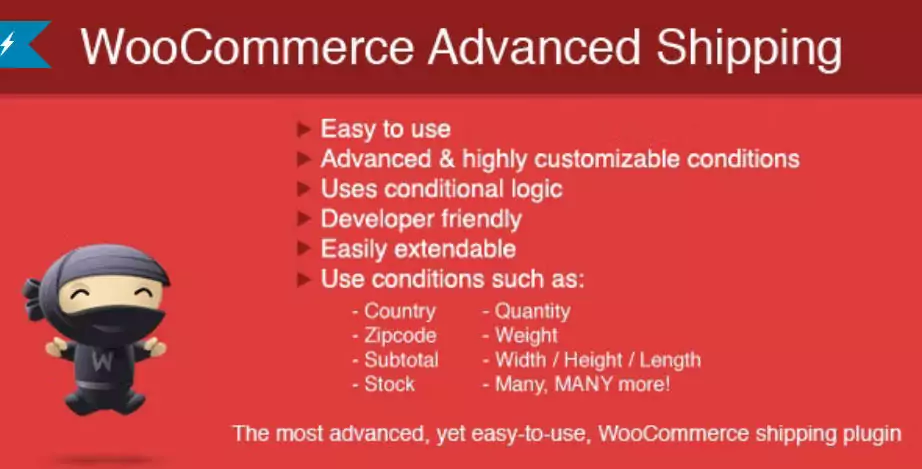
WooCommerce Advanced Shipping is another popular table rate shipping plugin.
Like Flexible Shipping, it lets you create your own custom shipping rules based on tons of details including destination, order value, weight, quantity, dimensions, and more.
The main advantage of choosing this plugin over Flexible Shipping (and the reason that we’re including it) is that it’s sold via CodeCanyon, which means you get lifetime updates with your purchase.
This can make it a very cost-effective WooCommerce table rate shipping plugin. Despite that, it still has excellent reviews – 4.88 stars on over 16,000 sales.
Price: $23 with lifetime updates.
18. Advanced Shipment Tracking (AST)
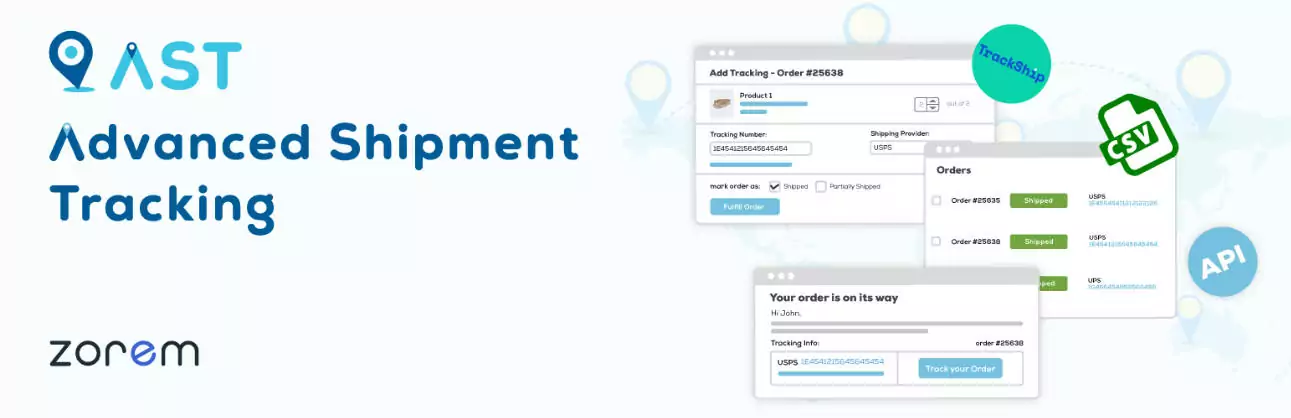
While the other plugins help you calculate shipping rates, AST enables you to provide a better shipping experience once you put the orders in the mail.
You can easily add tracking details to orders and then customers will be able to access that information to see exactly where their orders are. The plugin integrates with the TrackShip service to add features such as automatic email/text notifications when a package is out for delivery.
As a store admin, AST can also help you see where all of your orders are and keep track of everything on your end.
Price: Free version. Paid versions from $129/year.
Best Payment Plugins for WooCommerce
Every WooCommerce store needs a way to process payments. Here are the best payment plugins for WooCommerce to help you do just that.
19. WooCommerce Payments

If you’re in a supported country, the official WooCommerce Payments plugin offers the easiest way to start accepting payments.
It’s based on Stripe and offers a seamless setup that will have you processing credit cards in no time.
The only downside is that it doesn’t currently support all countries. It supports the USA, Canada, most major European countries, Hong Kong, Australia, New Zealand, Japan, Singapore, and the UAE.
Price: Free.
20. Your Favorite Local Payment Gateway
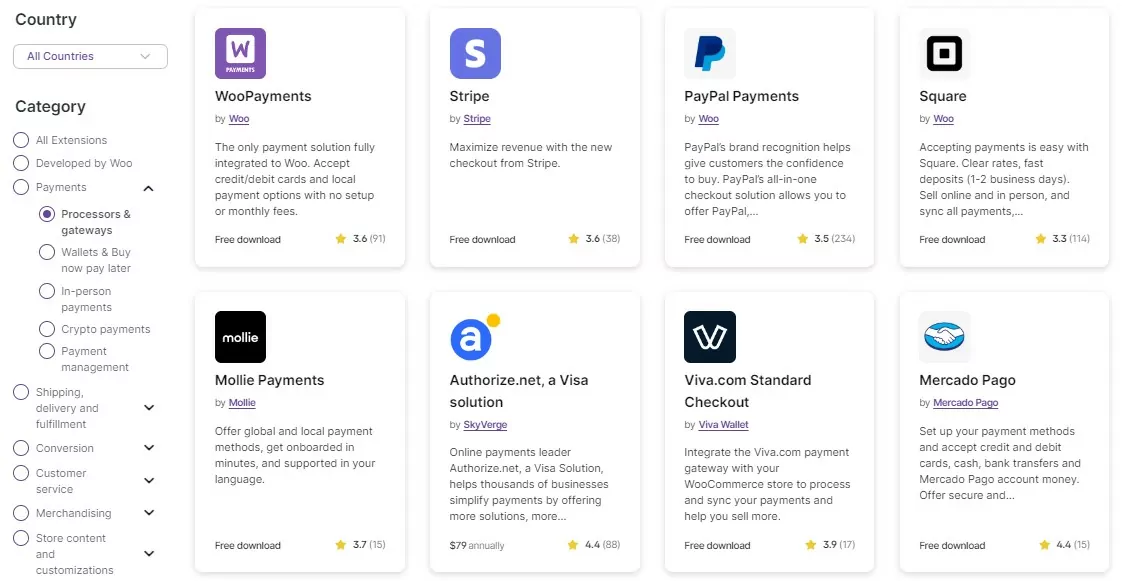
One of the best things about WooCommerce is that you can find dedicated payment plugins for even small local payment gateways.
To browse all of these options, check out the Payment processors category on the WooCommerce extensions library.
Best WooCommerce Subscription Plugins
Subscriptions have exploded in popularity as a pricing strategy because they let you build dependable, recurring revenue. Here are the best WooCommerce subscription plugins to help you with recurring payments.
21. Paid Member Subscriptions
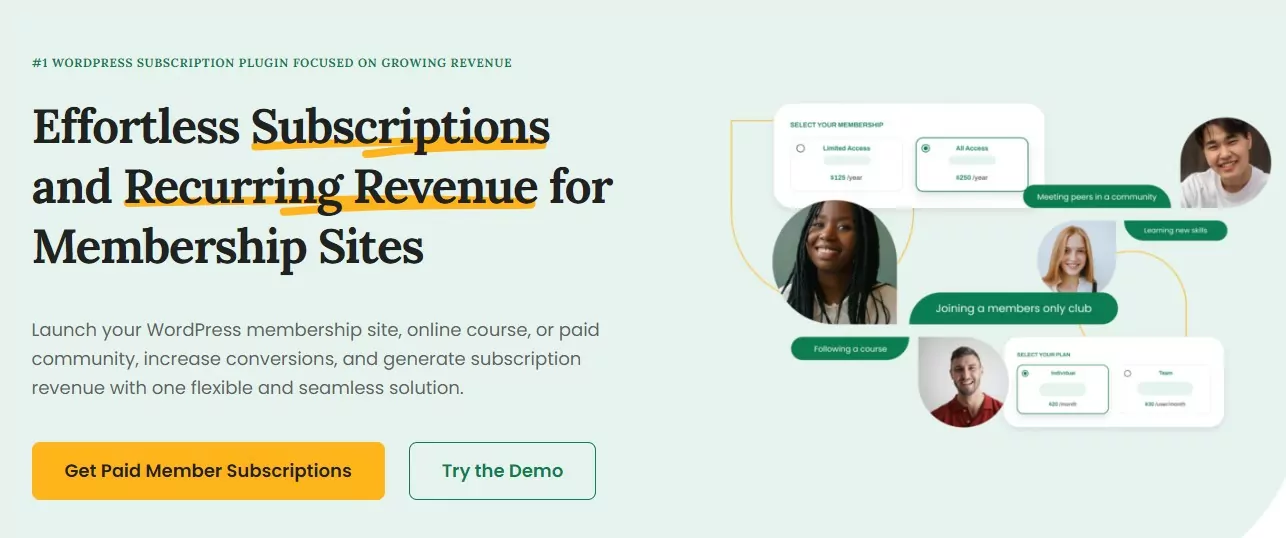
Paid Member Subscriptions is a full-service WooCommerce membership plugin, which opens up a lot of possibilities for your store.
First off, it can help you create WooCommerce subscription products with recurring billing. You can create a membership plan in Paid Member Subscriptions and then link it with a WooCommerce product for recurring billing.
Creating these membership plans also unlocks a lot of other functionality for your store. For instance, you can:
- Offer special discounts on products for people with an active membership. You can even create different tiers with different discounts based on users’ plans. You can use this to create your own purchasing club, sort of like Sam’s Club or Costco.
- Restrict access to some/all of your store based on membership level. You can use this to create a members-only store where people need an active subscription to view/purchase some or all of your products (or access certain content in general).
Paid Member Subscriptions isn’t just for WooCommerce. You can also restrict access to other content on your site as needed and create a full-featured membership website.
Price: Free version. Paid versions from €99 per year.
22. WooCommerce Subscriptions

WooCommerce Subscriptions is an official plugin from the WooCommerce team that lets you enable automatic recurring billing.
That is, customers only need to manually make their purchase one time. After that, their credit card will just be automatically billed unless they cancel.
You can use it by itself or pair it with Paid Member Subscriptions to enable automatic recurring billing for your WooCommerce membership products.
Price: $279 per year.
Best Security Plugins for WooCommerce
Having a security issue is every store owner’s worst nightmare. By installing the best security plugins for WooCommerce, you can help ensure that your website is protected.
23. Jetpack Backup / Jetpack Security
Jetpack is an official plugin from Automattic (the same company behind WooCommerce) that can protect your store in two ways:
- You can use Jetpack Backup for automatic real-time backups. This will back up new changes to your store as soon as they happen, which ensures that you never lose any order or customer data.
- Jetpack Scan will scan the backed-up version of your store to detect malware or other issues without affecting your site’s performance. If Jetpack does detect something, you can fix it with one click.
If you don’t need the Jetpack Scan features, you can also just use Jetpack Backup by itself.
Price: Jetpack Backup by itself costs ~$120 per year. Jetpack Security (which includes Jetpack Backup plus malware scanning) will cost you ~$300 per year.
24. Wordfence

Jetpack is great for backing up your data and helping you fix infections. However, if you want to prevent infections in the first place, you’ll want a dedicated firewall and security plugin like Wordfence.
Wordfence can proactively block existing and emerging threats using its firewall. It also includes lots of other features to protect your store, including login security and threat scanning.
Price: Free version. Paid version from $119 per year.
Best WooCommerce Store Management Plugins
Finally, let’s take a look at some must have WooCommerce plugins to improve your store management and admin processes.
25. BEAR – Bulk Editor and Products Manager

BEAR lets you bulk edit products using an Excel-like interface, which makes it much faster when you need to update a lot of product details.
You can use filters to find the right products and then edit everything from the spreadsheet interface.
You can also bulk update product details, including using calculations. For example, you could increase the prices of all the products in a certain category by 10%.
If you make a mistake, there’s also a history and roll-back feature to undo your changes.
Overall, if you have a lot of products, this plugin can save you a lot of time.
Price: Free version. Paid version costs $49.
26. WebToffee Bulk Import/Export Plugins
This one isn’t a single plugin but rather a collection of plugins from the same developer all focused on one goal:
Helping you bulk import or export products, users, order details, or other information to your WooCommerce store.
For example, you could use these to add products to your store from a CSV. Or, you could export order data to a CSV for further analysis.
Here are the various plugins:
- WooCommerce Product Import Export for products.
- WordPress User Import Export for WooCommerce customer details.
- Order Export Import Plugin for WooCommerce for order data or coupon details.
Price: Each plugin has a free version. Individual premium plugins cost $69.
Try These WooCommerce Must Have Plugins Today
That wraps up our collection of the top WooCommerce plugins for different areas.
Your store might not necessarily need every single plugin on this list, but most sites can benefit from installing several of these tools.
For example, even if you only target a single geographic area, creating a multilingual store with TranslatePress can still be worthwhile because you might still have a multilingual audience. For example, 44.6% of California (USA) residents speak Spanish at home.
Similarly, even if you don’t want to create a full WooCommerce membership site, using Paid Member Subscriptions comes with unique perks, such as offering special discounts to your loyal customers or giving them access to special VIP products.
And no matter your industry or niche, Profile Builder can help you upgrade your store’s registration, login, and user profile experience.
Try some or all of these WooCommerce must have plugins today and build a better store!
Do you have any questions about the WooCommerce plugins features in this list? Let us know in the comments section below!
Related Articles

How to Sell Courses with WooCommerce
Are you looking to sell courses with WooCommerce? If that's a resounding yes, prepare to learn everything you need to start today, even if it's your first time, and you're on a tight budget. The eLearning market has grown tremendously in the last few years, offering individuals and businesses additional revenue opportunities. While this is […]
Continue Reading
5 Best WooCommerce Membership Plugins 2026 (Hands-On Comparison)
Searching for the best WooCommerce membership plugins to create a members-only store or otherwise control members-only behavior on your store? With the right WooCommerce membership plugin, you can: Restrict who can view and/or purchase products at your store. For example, you could let anyone view products but only allow members to actually purchase them. Offer […]
Continue Reading
How to Edit WooCommerce My Account Page (Add Fields + More)
Looking for a simple way to customize the WooCommerce account page to add extra user fields and let customers manage their data from the front-end? How about adding custom user fields to the WooCommerce checkout page? In this post, you'll learn how to easily customize the WooCommerce account page using the Profile Builder plugin and its WooCommerce Sync add-on.
Continue Reading